
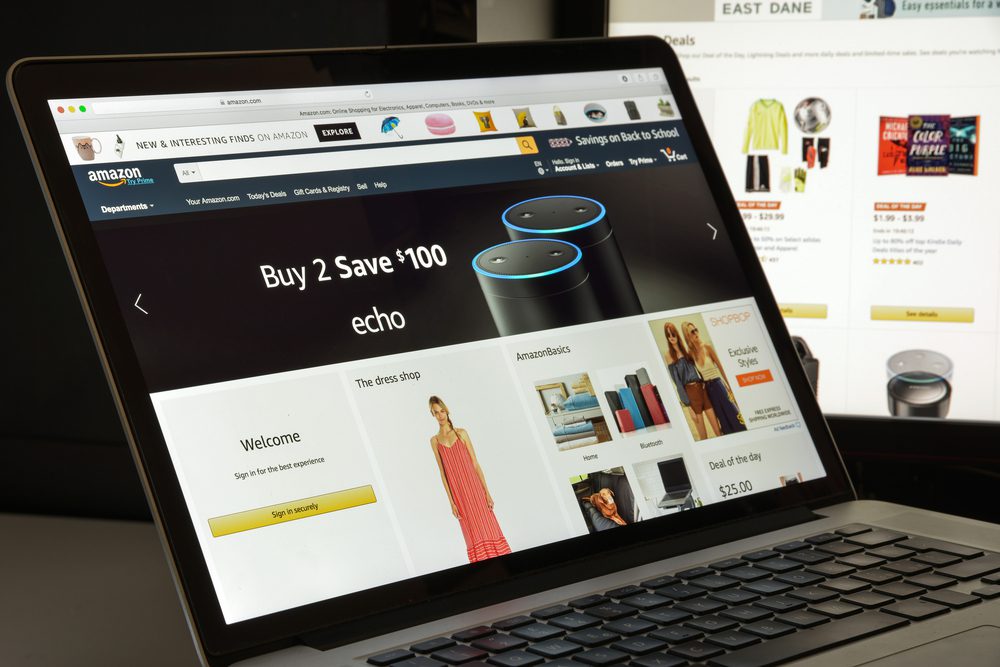
5. How to File Your Refund Claim — Step-by-Step
Here’s how to file your claim once you receive your notice:
✔️ Step 1: Wait for Your Claim Notice
Eligible customers who didn’t receive automatic refunds will get a notice — by email or postal mail — with instructions and unique identifiers (claim ID and PIN). Most notices are expected by January 23, 2026.
✔️ Step 2: Visit the Official Claim Portal
When you receive your notice, go to the official settlement website: SubscriptionMembershipSettlement.com. Or visit the FTC’s Amazon refunds page at ftc.gov/amazon-refunds for links and information.
✔️ Step 3: Complete the Claim Form
You’ll need to enter the following:
- Claim ID and PIN from your notice
- Contact information
- Proof of membership/enrollment details (if requested)
Fill out the online form carefully and accurately. The form may also be available to submit by mail if specified.
✔️ Step 4: Submit the Claim by the Deadline
You generally have 180 days from when your notice was sent to file your claim — typically until July 21 or July 23, 2026 depending on your notice.
✔️ Step 5: Wait for Review and Payment
After submission, Amazon will review your claim within 30 days to verify eligibility. Once approved, payments should be issued shortly after.





I’ve been a prime user for over 10 years, I would like to find out if I qualify.
I am not sure if I qualify but I am trying to also find out
Use Amazon prime all the time, but not sure if I qualify for anything,
I am not sure if I am eligible but trying to find out if I qualify
Amazon double charged my account multiple times and had to refund me twice.